
An auxiliary display attaches to a gadget, such as a computer or smartphone, to increase functionality or visual output. It expands the workspace, displays real-time statistics, or offers additional information, improving user experience and productivity.
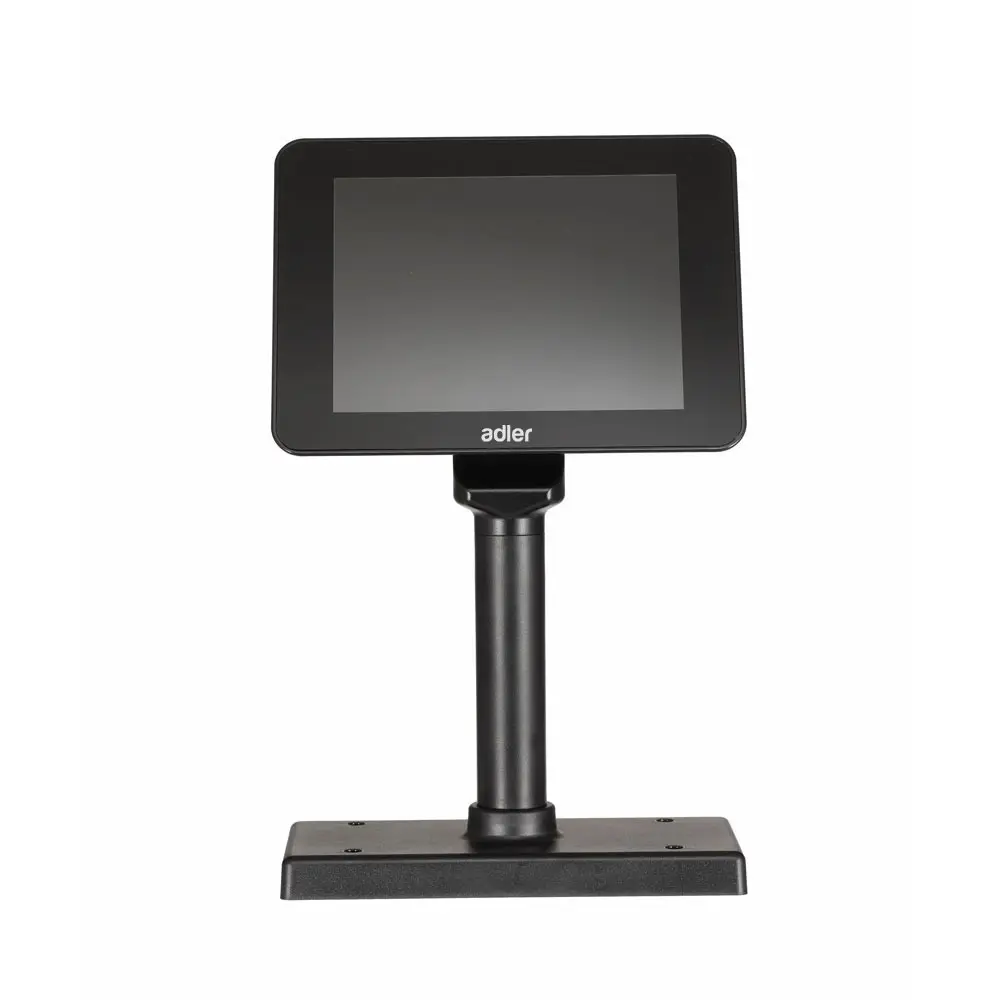
ADM-450U
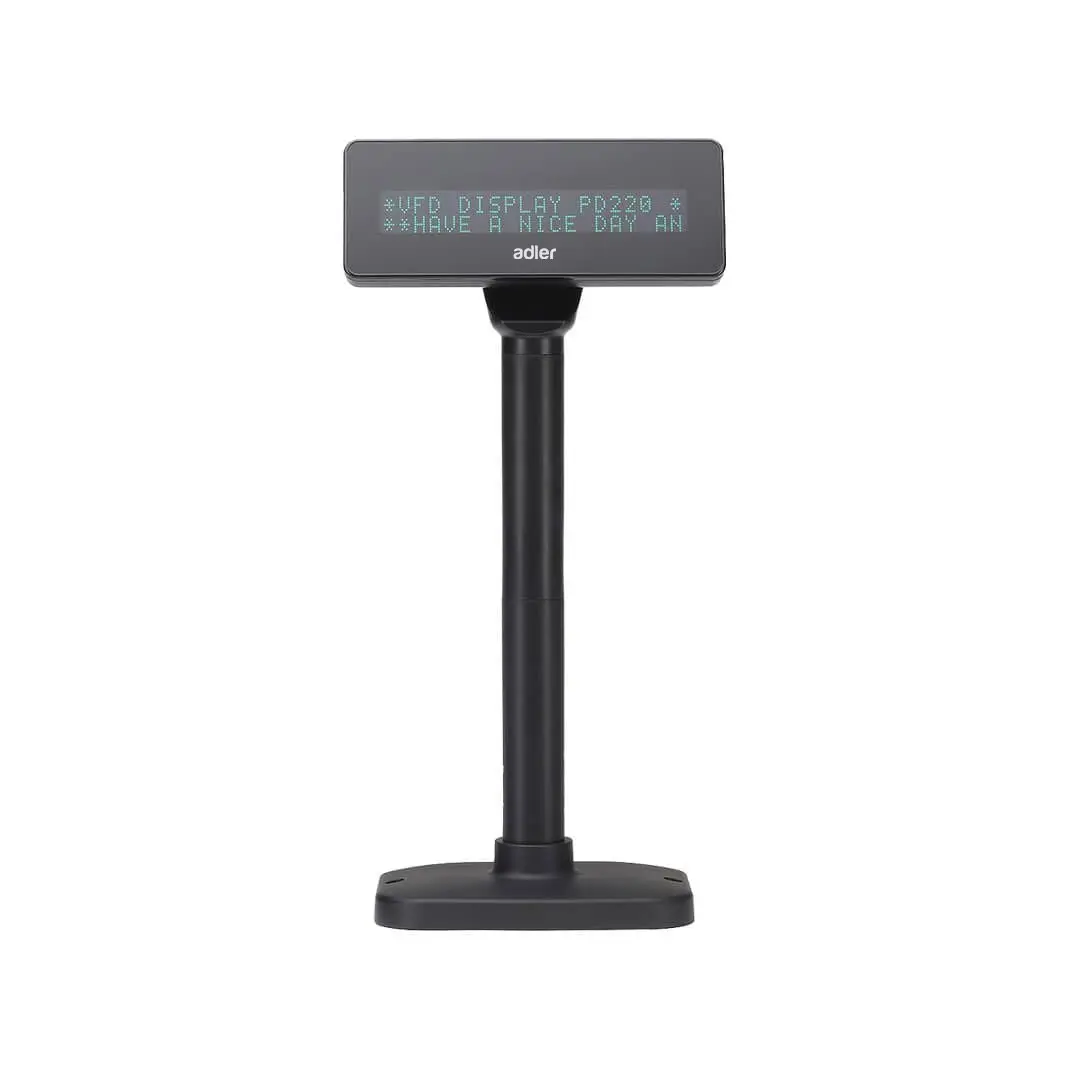
APD
FAQ
1. What is an auxiliary display?
An auxiliary displays is an additional screen that connects to a primary device, such as a computer or smartphone, to enhance functionality and visual output.
2. How does an auxiliary display enhance productivity?
An auxiliary displays expands your workspace, allowing you to view and manage more information simultaneously. This setup proves useful for multitasking and detailed data analysis, streamlining workflows and reducing time spent switching between applications and windows.
3. What are the common uses of an auxiliary displays?
Common uses include displaying real-time statistics, notifications, supplementary information, or running different applications simultaneously. Professionals in graphic design, finance, software development, and other multitasking fields favor it.
4. Can I use an auxiliary displays with any device?
Most modern computers, laptops, and some smartphones support auxiliary displays. Compatibility depends on the device’s operating system and available ports or wireless connectivity options.
5. How do I connect an auxiliary displays to my device?
Connect an auxiliary displays via HDMI, DisplayPort, USB-C, or wirelessly using technologies like Miracast or AirPlay. The connection method depends on the available ports on your device and the auxiliary displays.
6. Are there specific software requirements for using an auxiliary display?
Most operating systems support auxiliary displays without additional software. Specific features and optimal performance may require updating your graphics drivers or using dedicated software from the auxiliary display manufacturer.